Open Design
Generate UI prototypes, decks, videos, and other design artifacts from text prompts using your own local coding agents and design systems.
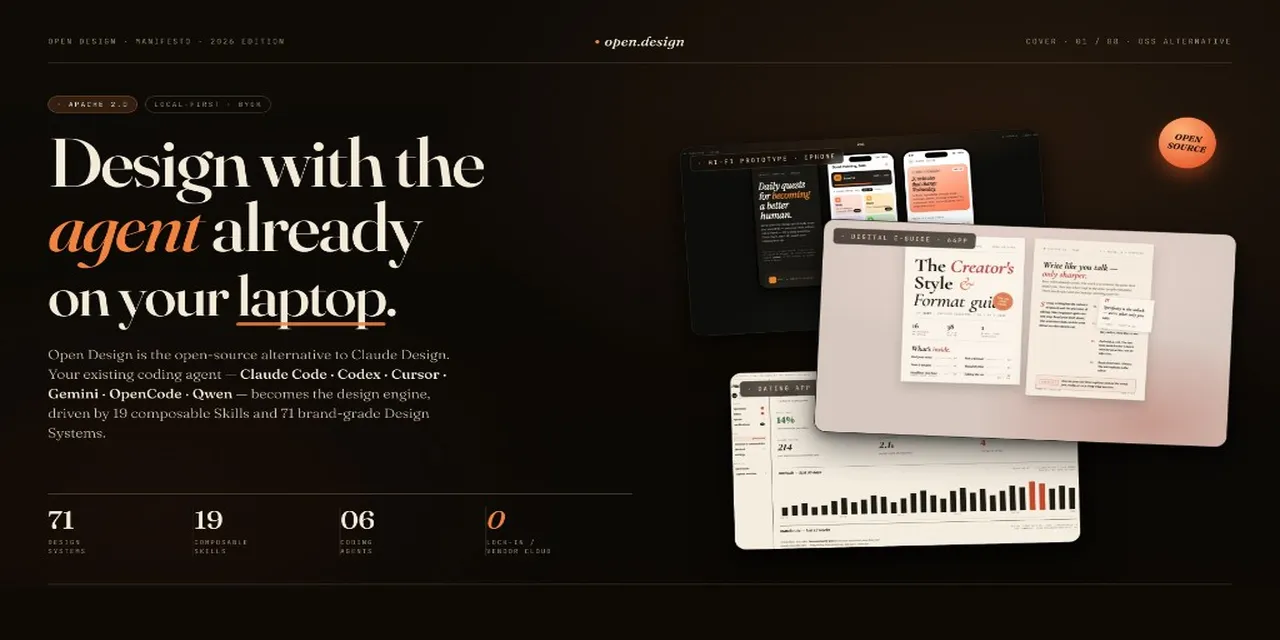
The gist
Open Design is an open-source, local-first design tool from nexu-io. It provides an alternative to closed platforms like Claude Design, solving for vendor lock-in by letting users generate design artifacts on their own machines. It uses local coding agents to turn text prompts into UI prototypes, presentations, videos, and images, all while adhering to a specified design system.
What it does
- Generate interactive web, desktop, and mobile prototypes from text prompts.
- Create presentation decks and export them to HTML, PDF, or PPTX formats.
- Produce brand-grade images and visual assets using integrated models.
- Render programmatic motion graphics and video clips using the HyperFrames framework.
- Integrate with over 20 local coding agent CLIs like Claude Code, Codex, and Cursor.
- Apply brand guidelines from a library of over 150 version-controlled design systems.
How it works
Open Design runs as a native desktop app for macOS and Windows or via CLI. Users input a text brief, select a skill and a design system, and the tool orchestrates a local coding agent to generate the output. Artifacts like HTML prototypes, decks, and MP4 videos are produced locally on the user's machine. The tool is open-source and free, supporting a bring-your-own-key (BYOK) model for connecting to various AI model endpoints.
Best for
Developers and design engineers who want to rapidly generate UI mockups, presentations, and other visual assets using a code-native, agent-driven workflow directly on their local machine.
Watch out for
While a desktop app simplifies setup, users wanting to leverage its full power via CLI integrations will need some familiarity with terminal commands and coding agent configurations.